Port Properties
When you double-click an output port on a any module in the Application Network, the Properties window displays detailed information and settings for that specific port. While the properties shown vary depending on the type of data the port provides, certain elements are common to all ports.
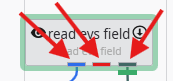
At the top of the window, a Switch to Module Properties button provides a convenient way to navigate back to the properties of the module that owns the port.
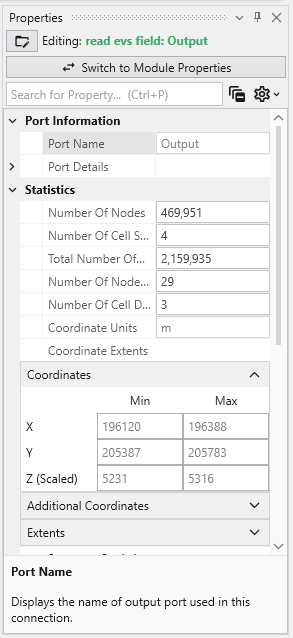
Common Port Properties
All output ports display a Port Information section with the following properties:
| Property | Description |
|---|---|
| Common Elements | Controls as described in Properties, such as search or general options. |
| Port Name | This read-only field displays the name of the selected port. |
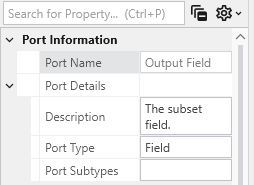
| Port Details | This expandable property provides in-depth technical information about the port’s data type and status. |
Red Port Properties (Renderable Port)
Renderable Object Port Properties In Earth Volumetric Studio, a red port is a Renderable Object port. It outputs a visual object—such as a surface, a set of points, or a volume—that can be displayed in a viewer. By editing the properties of this port, you can control every aspect of how the object is visualized in the 3D scene. See the Visualization Fundamentals section for additional details on rendering options.
Blue Port Properties (Field Port)
Field Port Properties In Earth Volumetric Studio, a blue port is a Field Port. It is the most common port type and is responsible for passing grid structures and their associated data between modules. A “field” contains the geometry (nodes and cells) as well as any data values defined on that grid, such as analytical results or material properties.