Accessing Help
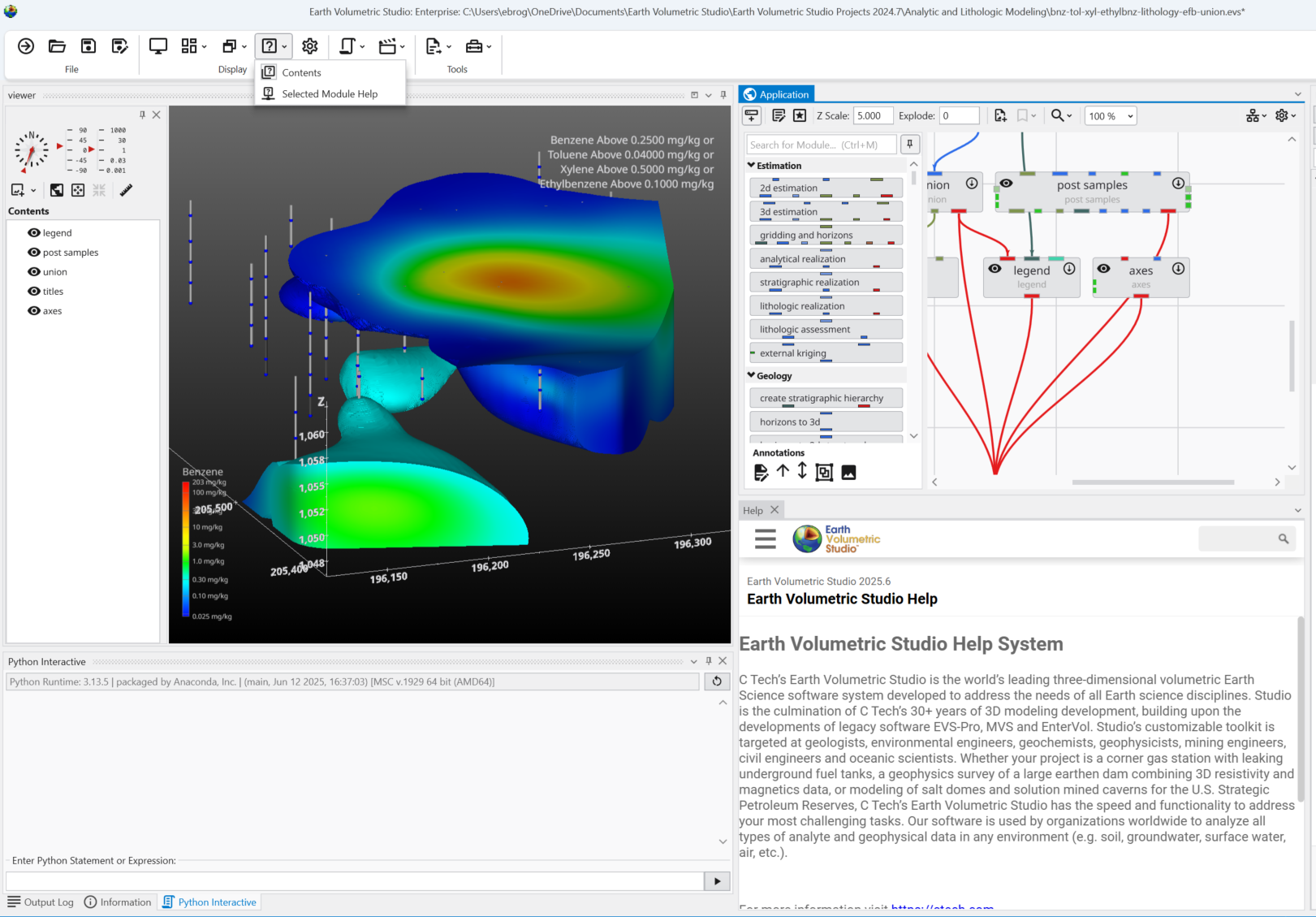
The help can be found through the Help Windows button in the Main Toolbar.

General Application Help
For general information, searching, and browsing all help topics, you can use the main Help window.
- In the Main Toolbar, click the Help Windows button.
- From the dropdown menu, select Contents.
This action opens the main Help window, where you can search for topics.
Module-Specific Help
When the Module Help window is opened, any module being edited (selected in the application window) will also show its help contents in the Module Help window. As you edit different modules, the Module Help will reflect the currently selected module.
To get help for a module which hasn’t been instanced, follow these steps:
- Hover your mouse over the question mark in the desired module in the Module Library.
- Wait for the module’s tooltip to appear:
- While the tooltip is visible, press the F1 key.
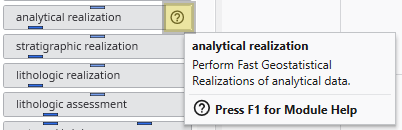
This will open the Module Help window containing specific information for that module.