Several EVS modules require special treatment in order to package their data. We summarize the main reasons why this is required for each module, but we will explain some of the reasons and advantages of the post-treatment application.
In general, these modules read file formats which are often not single file formats. The conversion during packaging converts the usable data to a single, packaged file in a format usable by EVS. In addition, steps are often taken to pick a format which will allow for smaller file sizes.
The special treatment for overlay aerial is quite different. Packaging is problematic when a module reads a file, but that process results in reading
Subsections of Modules Requiring Special Packaging Treatment
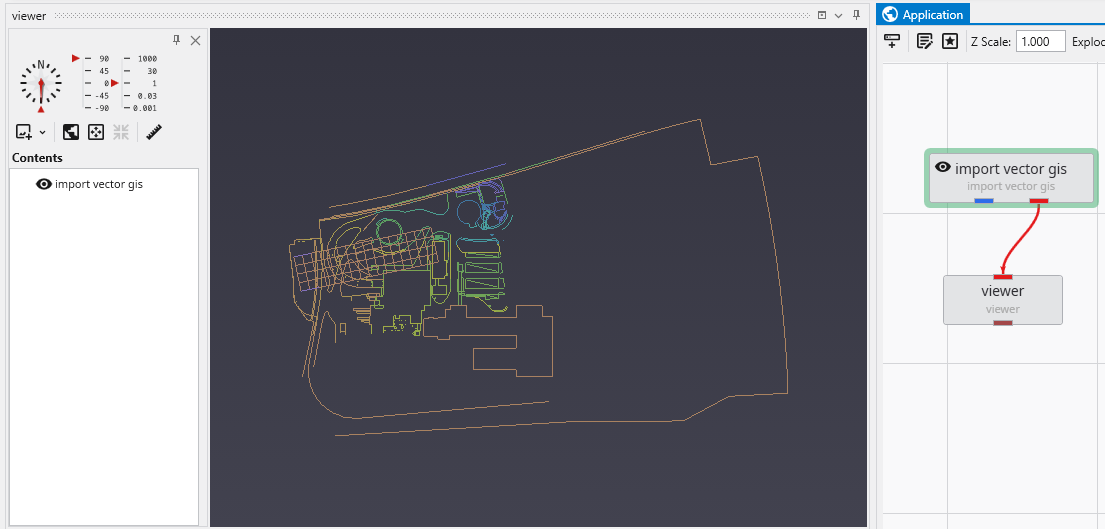
The packaging process converts these files to binary EVS Field Files (.efb files) and requires replacing the original modules with a new read evs field module. In this simple application:
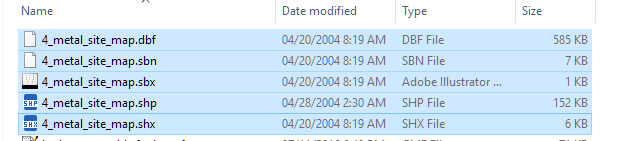
The shapefile actually consists of a set of 5 files which total 749 KB.
The import vector gis module, now has a “Convert to Packaged” button, which when we click on it does the following:
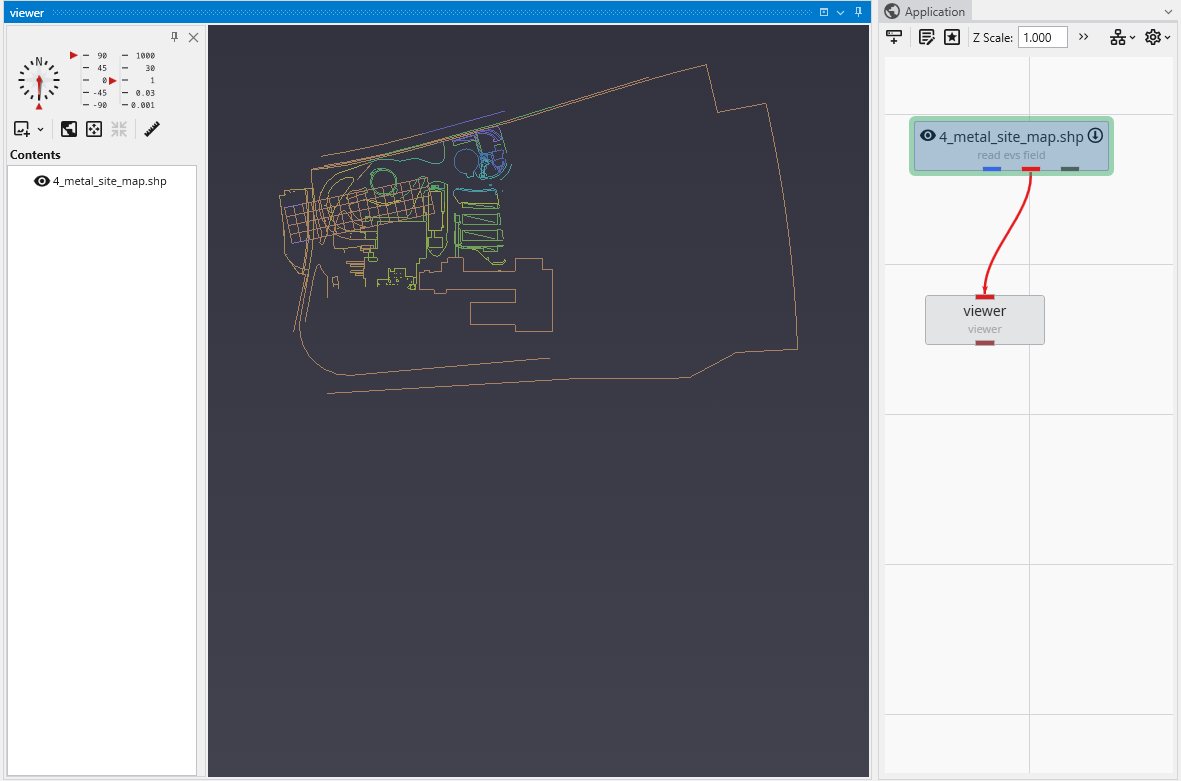
Automatically replaces import vector gis with a read evs field module which is named based on the data file being read.
Creates the efb file for you and adds it to your packaged data files
It is half as big as the total shapefiles, and will load in less than 1/10th of the time
The special treatment for overlay aerial is quite different. Packaging is problematic when a module reads a file, but that process results in reading additional files (as with shapefiles). This also occurs with imagery when orthorectified images include an image file and a georeferencing file (e.g. world file, .gcp file, etc.).
To resolve this, overlay aerial’s “Convert to Packaged” button creates a GeoTIFF file that is both cropped and matched to the specified resolution in overlay aerial. This creates a new single image file which is generally dramatically smaller than the original files which were read. Your application is unchanged except that the Filename specified in overlay aerial will reference the new packaged geotiff file created by this process.